Modding a Gaming Keyboard
Building a PC
Peripherals
Choose A Base Keyboard Type
Flickr
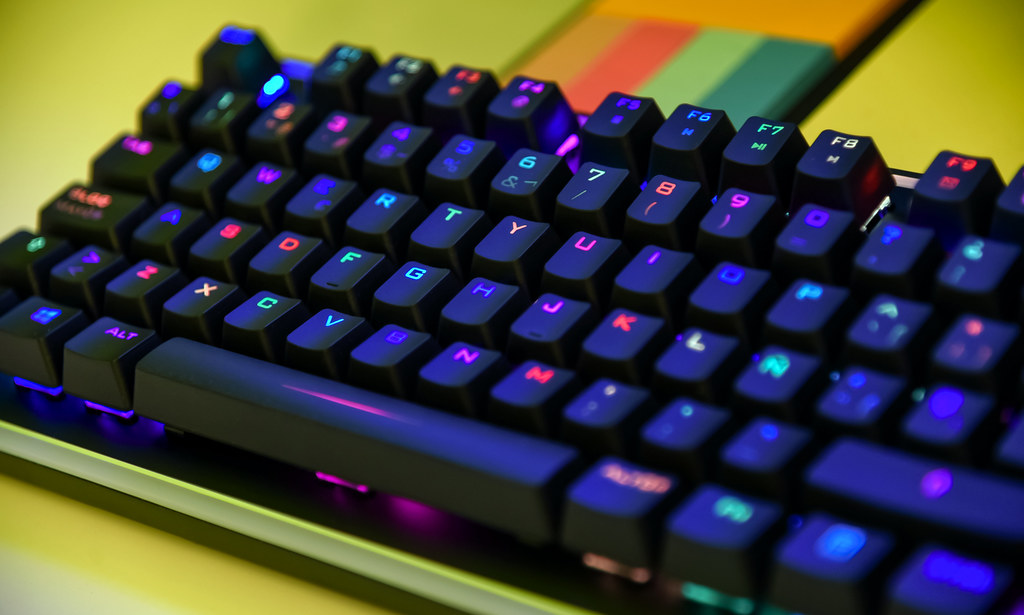
There are many different types of gaming keyboards, but all of them fall into 2 main categories, membrane and mechanical. Membrane keyboards have a rubber film that interacts with the circuit to detect a keystroke. Mechanical keyboards have a mechanism in their sides that detect a keypress. Membrane keyboards tend to be more budget friendly ($20-?), and mechanical are a little more expensive, tending towards gaming ($50-?).
Choosing Switches
Flickr
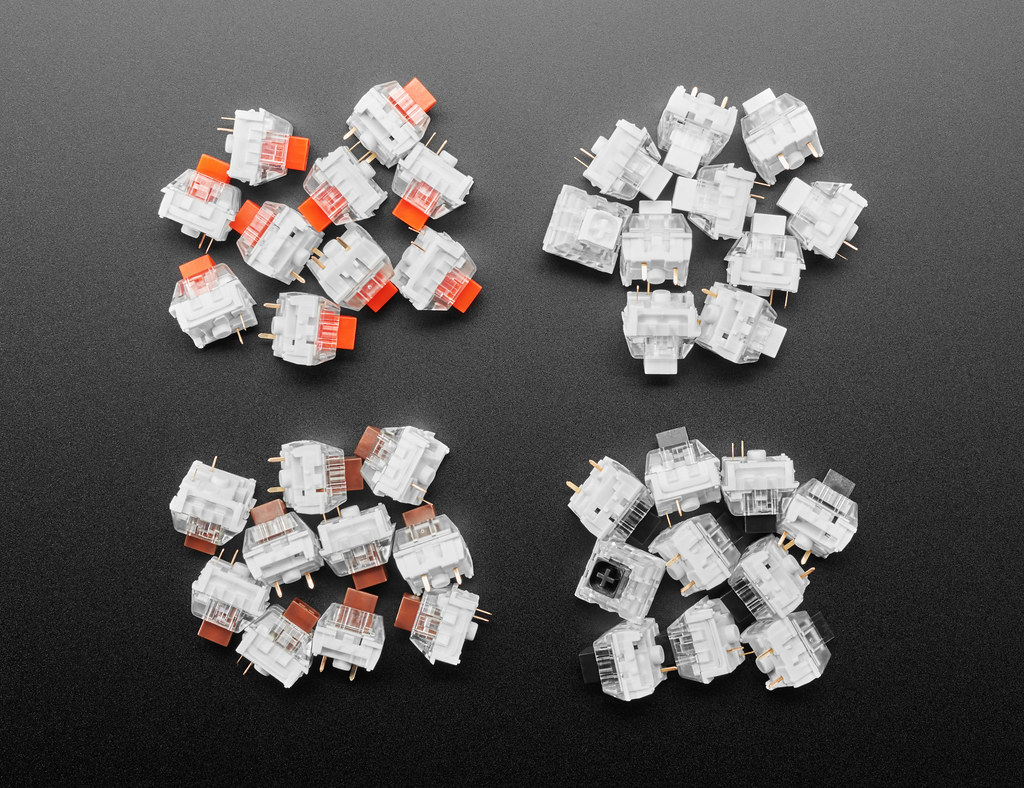
After choosing the base keyboard type, the next step is to find the correct switch for your build. There are tons of switches that exist today so I am only going to list some of the well known types.
Popular Switch Types
- Cherry Mx Reds: Linear switch, 45g actuation force, 2mm actuation point, 50m keystroke lifespan and price is around $30 for 60 switches or around $80 for the switches in a keyboard. Switches
Keyboard
- Gateron Brown: Linear switch, 55g actuation force, 2mm actuation point, 60m keystroke lifespan and price is around $30 for 60 switches or around $60 for the switches in a keyboard. Switches
Keyboard
- Cherry Mx Blue: Clicky switch, 60g actuation force, 2mm actuation point, 50m keystroke lifespan and price is around $45 for 60 switches or around $60 for the switches in a keyboard.
Switches
Keyboard
- Cherry Mx Speed Silver: Linear and silent switch, 45g actuation force, 1.2mm actuation point, 80m keystroke lifespan and price is around $45 for 60 switches or around $100 for the switches in a keyboard.
Switches
Keyboard
- Gateron Black: Linear and gentle switch, 60g actuation force, 2mm actuation point, 50m keystroke lifespan and price is around $30 for switches and $60 for the switches in a keyboard.
Switches
Keyboard
- Cherry Mx Black: Linear switch, 60cN actuation force, 2mm actuation point, 50m keystroke lifespan and price is around $40 for switches and around $100 for the switches in a keyboard.
Switches
Keyboard
Modding Types
Once you have the switches and base keyboard chosen, you can get into the modding process. To start, there are lots of different types of mods. A Modding Kit is very helpful when modding.
- Lubing the switches and stabilizers Lube (Around $13) (Switches need to be hotswappable)
- Foam modding the case Foam
(Pretty cheap, $15)
- Holee mods/Bandaid mod Bandaids
- Custom usb cable or new keycaps Curled Cable
($50)
Keycaps
(Price varies)
Modding Process
Wikipedia Commons
Performing keyboard mods is very difficult and time consuming. Explaining each mod in depth on this site would be a crazy task so he are some videos on how to do them. (Thank you to Taeha Types, Hipyo Tech, Badseed Tec, LTT and Haurjie for these helpful videos)
- Lubing switches and stabilizers Link
- Foam modding the case Link
- Holee mod (Bandaid mod) Link
- Custom usb cable and keycaps Link, Link